Your real dish, upgraded — or made straight from your menu.
Start from your own phone photo in Edit to upgrade the light and table while keeping your actual plate, or generate an honest picture from your menu line for dishes you haven't shot yet.
You inspect every picture full-size before it goes anywhere. No plastic shine, no invented sides, and no subscription.
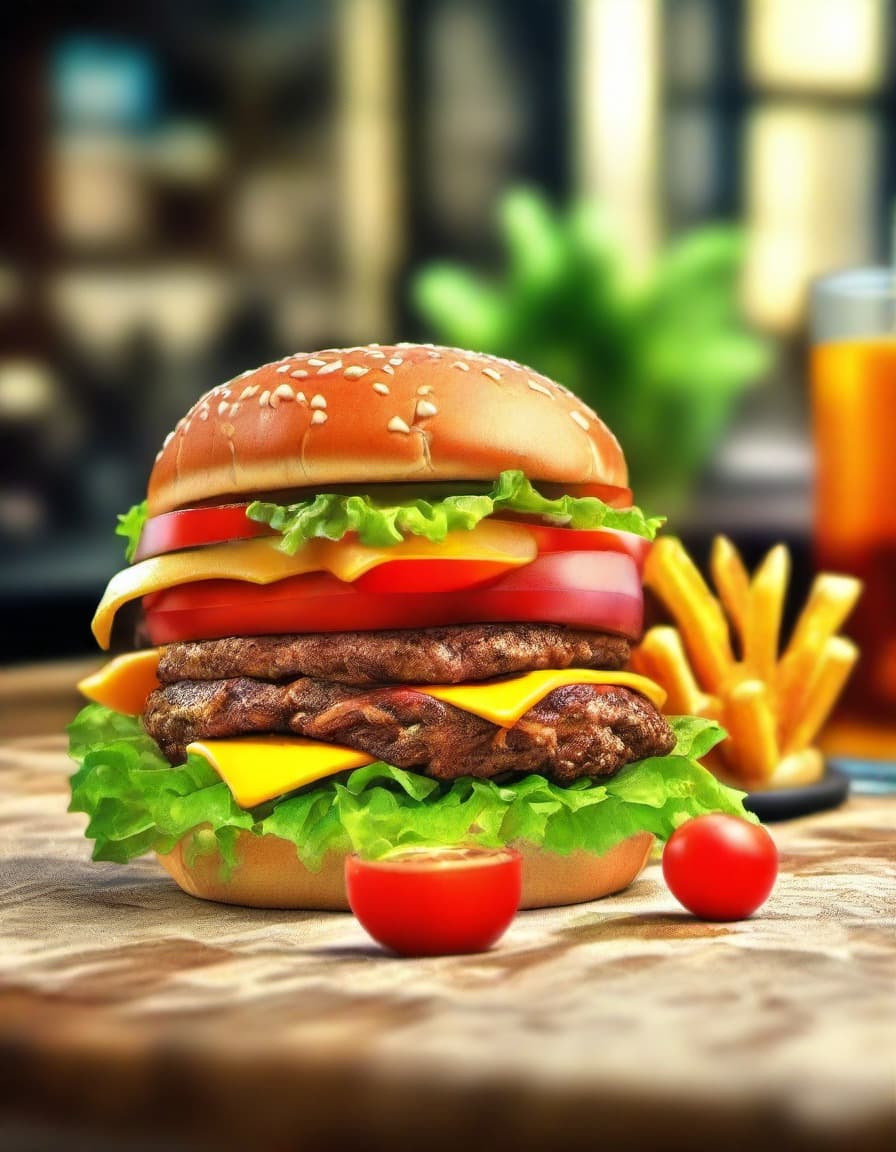
- Two patties, three slices of cheese
- Bottom bun buried in a lettuce skirt
- A cherry tomato carved into a cup
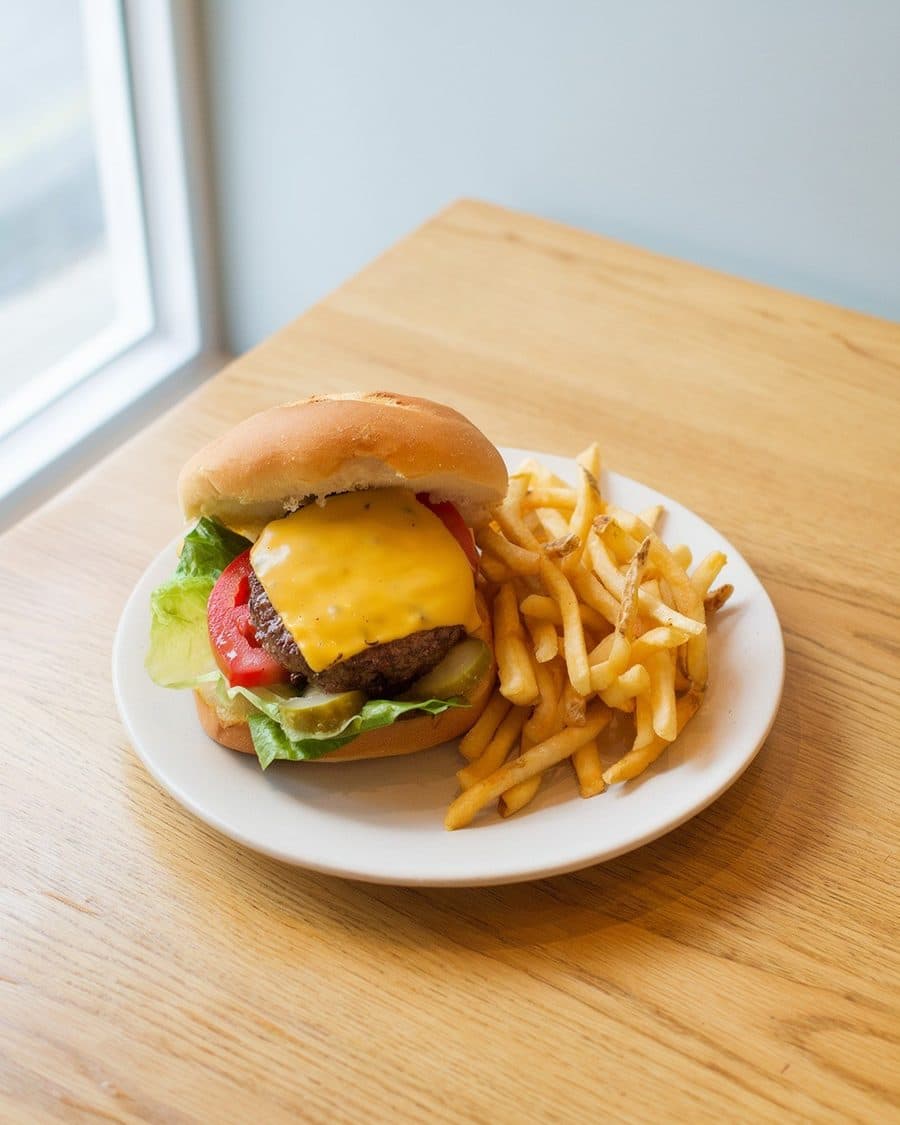
- One beef patty, melted cheddar
- Brioche bun, fresh salad and fries
- Matches what the menu promises
Improve your real photo — or cover dishes you haven't shot yet.
Other tools force you to either invent everything from scratch or leave unphotographed specials blank. Restobesto gives you both paths in one simple screen, each for 1 post.
Edit: keep your plate, upgrade the setting
Snap a quick photo at the pass and drop it into Edit. Change harsh overhead lighting, a messy counter or a dull background into warm daylight on a clean table — while your real dish stays untouched.
- Your exact portion, plating and garnish stay intact
- Pick a saved look or describe the lighting and setting in plain words
- Save the finished picture straight to that dish on your menu
New: made straight from your menu line
Running a new weekend special before you have time for a photo? Pick the dish from your menu, describe what you want (or tap a gallery example), and get an honest picture grounded in your ingredients.
- Pulls your real dish name and ingredients straight from your menu
- Guided by your saved looks and up to 6 reference photos of your place
- Always checked by your own eyes before anyone sees it
Every dish looks like it came from the same kitchen.
Random prompts give you six plates that look like six different restaurants. Save your own looks — in a few words, with a sample photo you love, or both — and attach photos of your dining room or tables as references. Every picture fits right beside the last one.
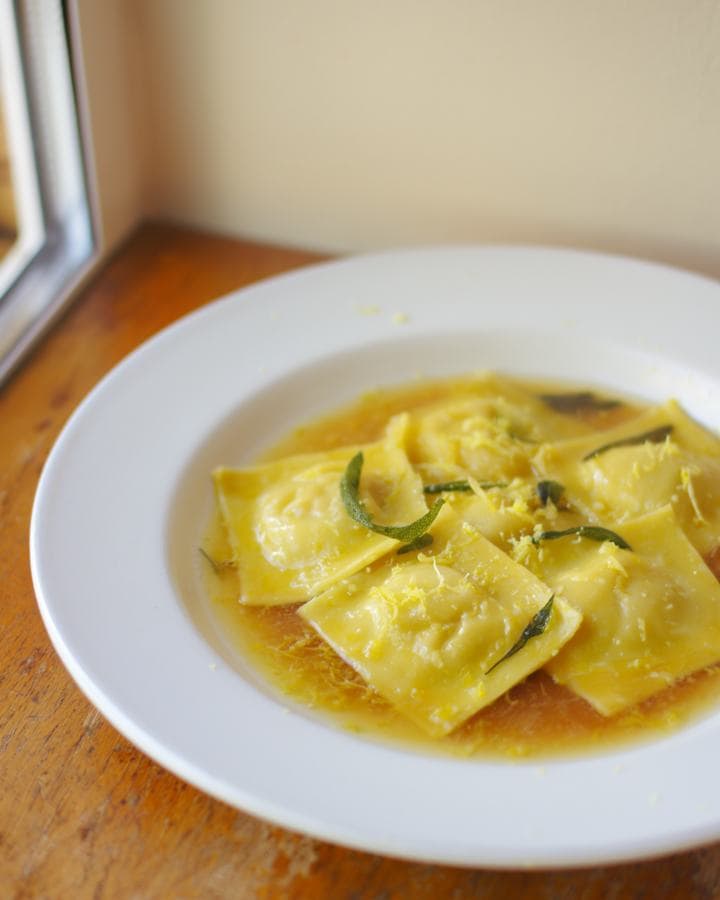
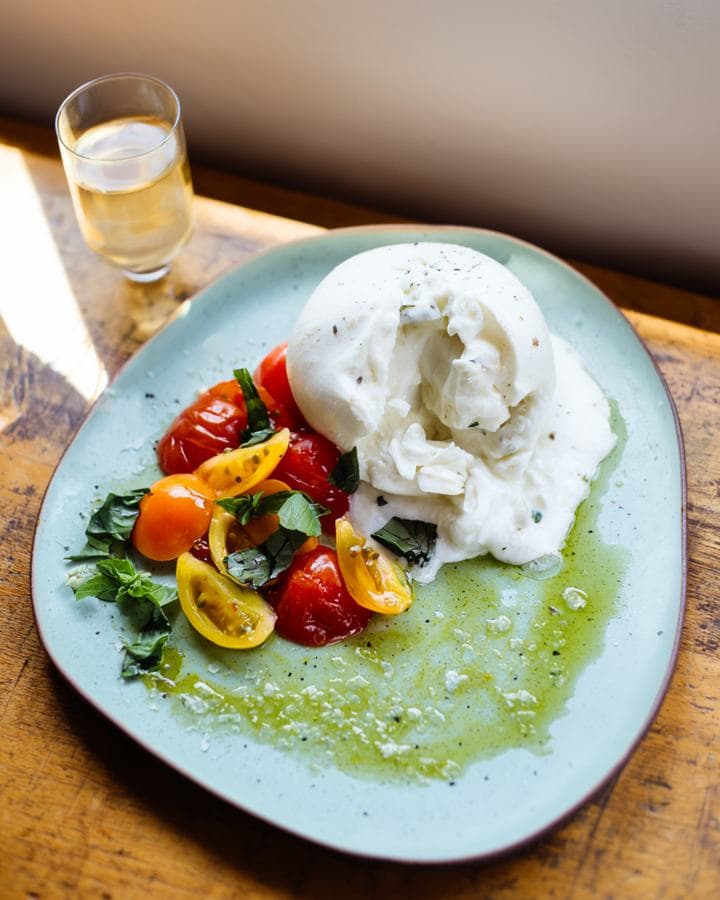
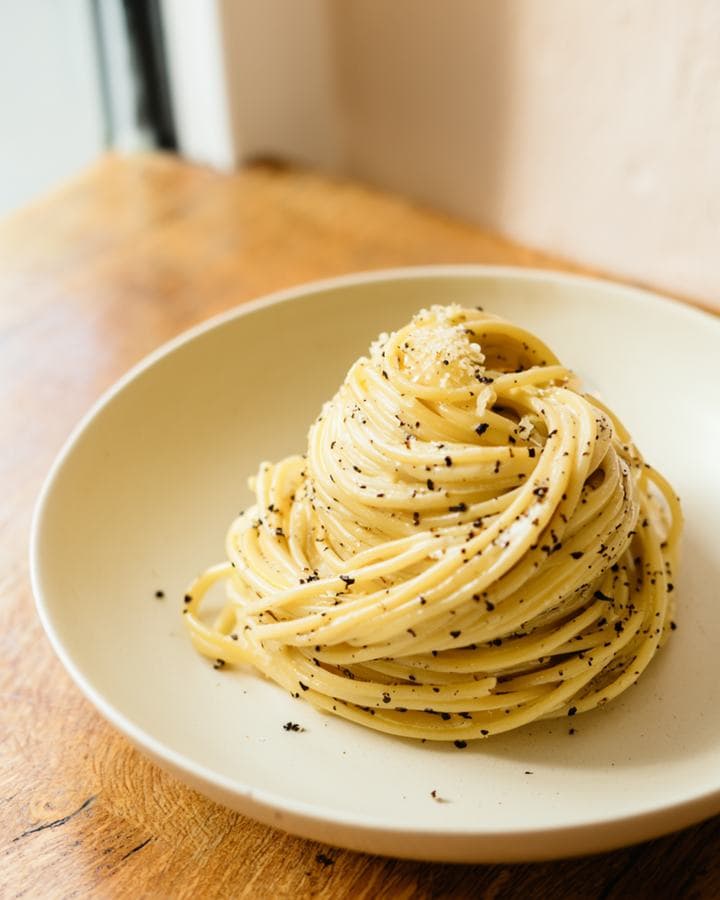
Illustrations made the way Restobesto builds pictures for your menu — not customer restaurants.
Where AI food photos belong — and where to use your untouched photo.
An honest anti-slop tool should tell you plainly where made or edited pictures should not go. Guests and platforms care about accuracy.
Your own Instagram, Facebook, website, printed menu and A-boards
Use edited or menu-made pictures on your own channels whenever they honestly match the ingredients, portion and plate you serve — and always zoom in before posting.
Delivery apps (Deliveroo, Just Eat and platforms banning AI)
Deliveroo and Just Eat explicitly ban AI-generated dish images and ask for authentic, lightly edited photos of your food. Upload your untouched window-lit phone photos there — we won't pretend otherwise.
Start with 3 posts free, then 30 for €9.
Every picture or photo edit uses 1 post, A4/A3 posters use 2 posts, and captions are free. Your posts never expire, nothing renews, and unused packs are refunded within 14 days.