Restaurant Instagram posts in minutes — not at midnight.
Snap your menu once, pick a dish (or upload your own photo in Edit), choose a feed post or Story in your saved look, and tap once for a free caption in your voice.
Built for independent owners posting from their phone between prep and service. Share manually straight from your phone, or use our Calendar & Autopilot (Beta) to plan and schedule weeks ahead with 1-tap approval.
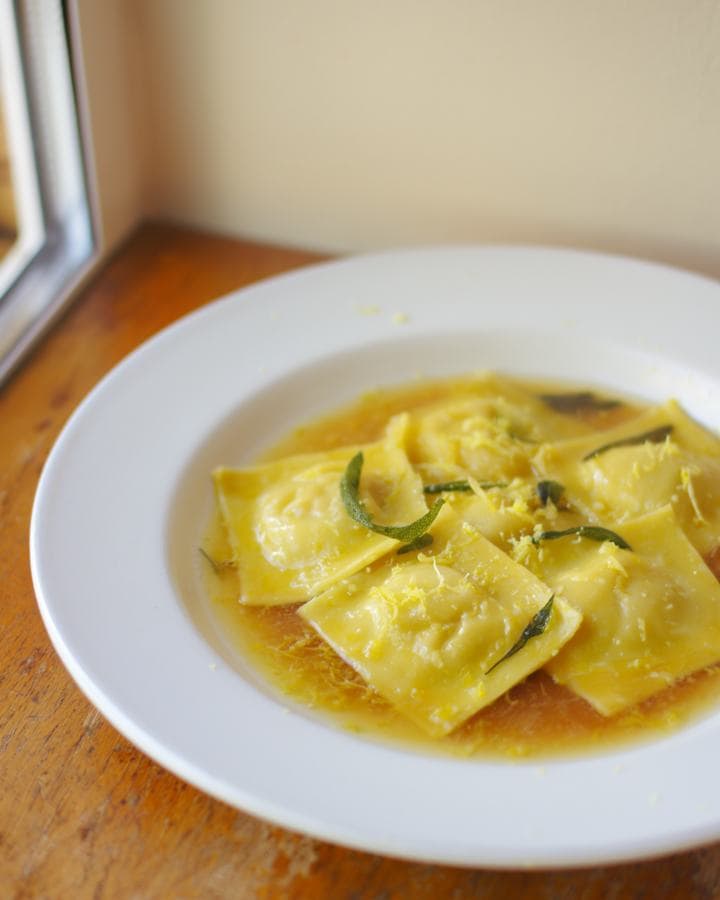
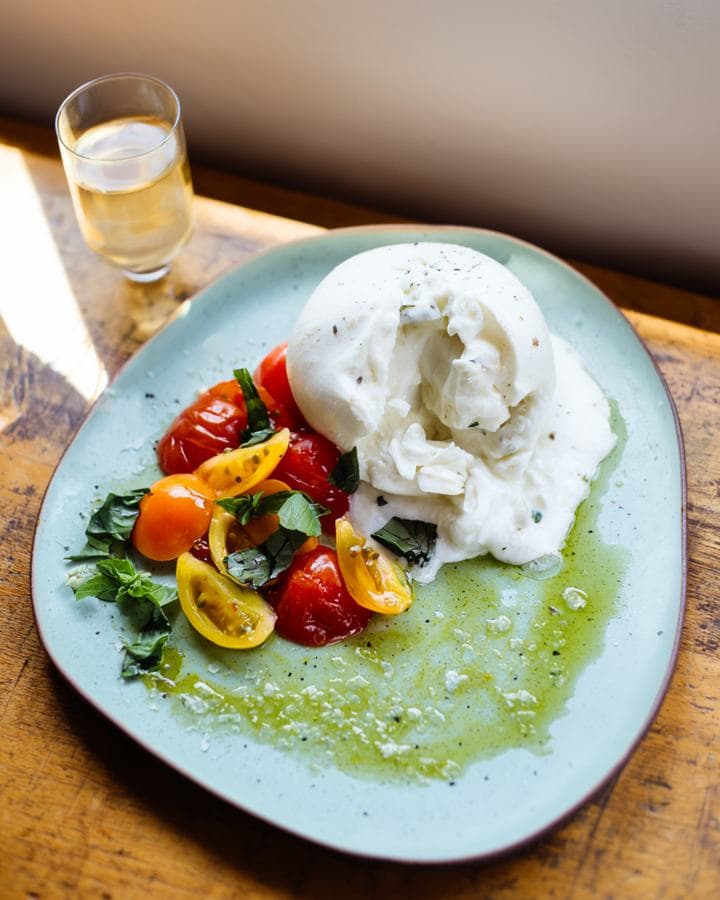
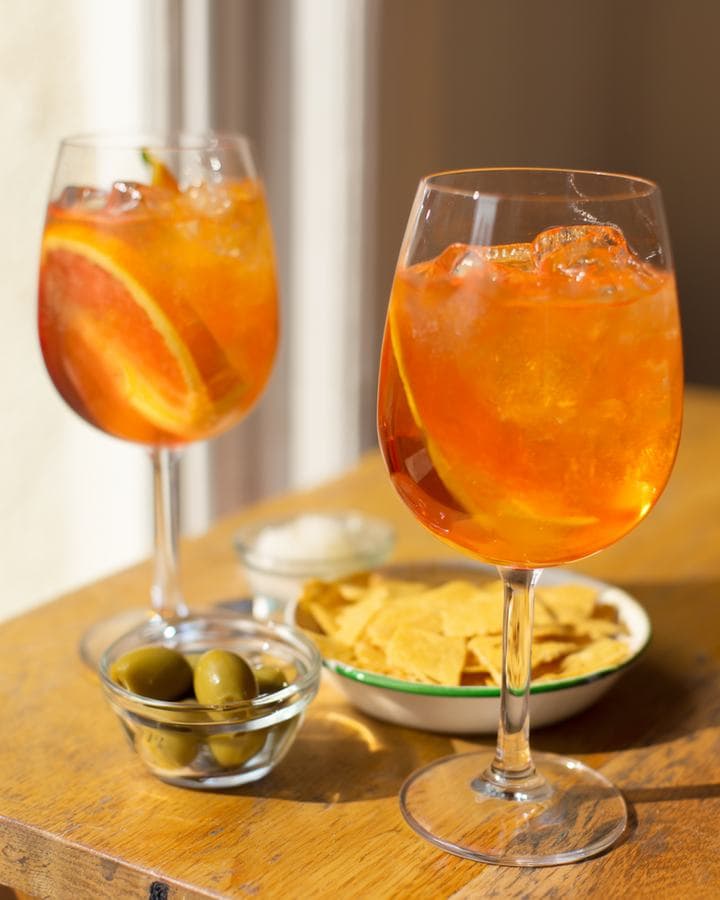
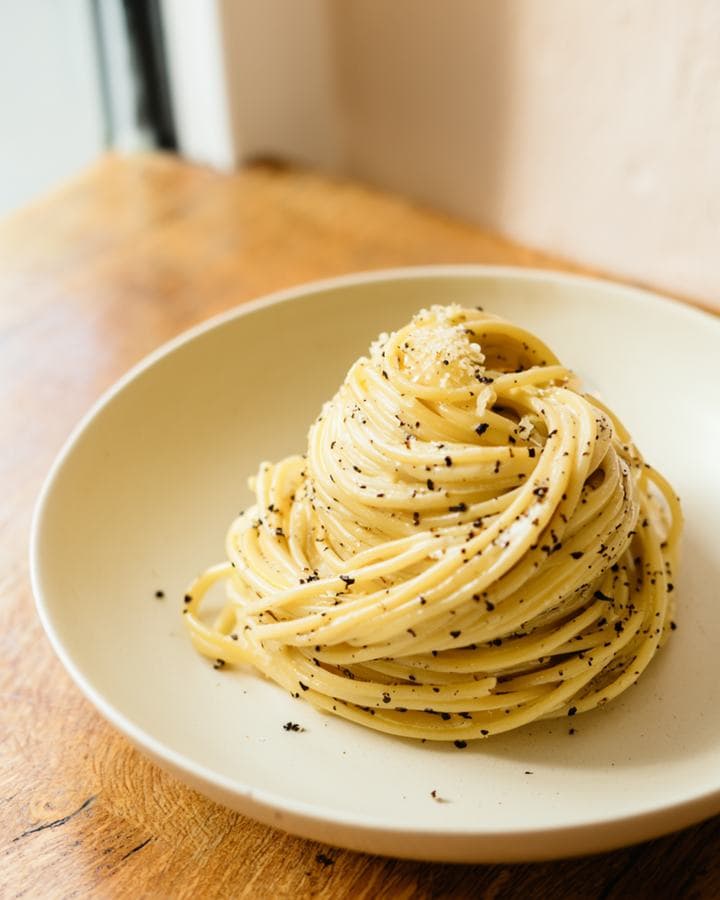
Six posts from one invented example profile (Pomelo) — showing how one saved look holds a whole feed together.
Four quick steps, right from your phone.
- 1
Snap or paste your menu once
Take up to four photos of your menu, paste the text or type a few dishes. Your dish names and real prices are pulled straight in — free.
- 2
Pick a dish or edit your own photo
Make a fresh picture from your menu line (or tap a gallery example), or upload your own dish photo in Edit to upgrade the lighting and setting.
- 3
Tap once for a free caption
Press Write a caption to draft words and local hashtags in your saved caption style. Change any line you want — captions are always free.
- 4
Check it and share from your phone
Download full-resolution with no watermark, or tap Share to send the picture and copied caption straight to Instagram, Facebook or WhatsApp.
Restobesto vs. juggling three or four tools.
Most restaurant owners end up stitching together a photo app, Canva, ChatGPT and a scheduler — paying multiple monthly subscriptions and copying files around on a tiny screen after close.
The usual multi-app stack
- One app to edit or generate the food photo
- Canva to resize templates and fiddle with fonts on a phone
- ChatGPT to prompt a caption from scratch every single time
- Multiple monthly subscriptions renewing even in quiet weeks
Restobesto on your phone
- Your real menu and dish prices already stored inside
- New & Edit food pictures in your own saved looks and place references
- Free captions on tap in your saved restaurant tone
- One prepaid pack — posts never expire and nothing auto-renews
Instagram Calendar & Autopilot is now in Beta inside Restobesto: connect your professional Instagram account once, pick your posting days, and let Restobesto plan, prepare and schedule posts from your real menu — with 1-tap email approval on by default. If you run a multi-venue group needing TikTok, LinkedIn and paid Meta ads, an agency still fits better.
Feed posts, Stories, A-board posters and printed menus.
Use the exact same balance of posts whenever you need a Story for tonight's special, a weekend poster for the window, or an updated paper menu.
Start with 3 posts free, then 30 for €9.
Every picture or photo edit uses 1 post, A4/A3 posters use 2 posts, and captions are free. Your posts never expire, nothing renews, and unused packs are refunded within 14 days.