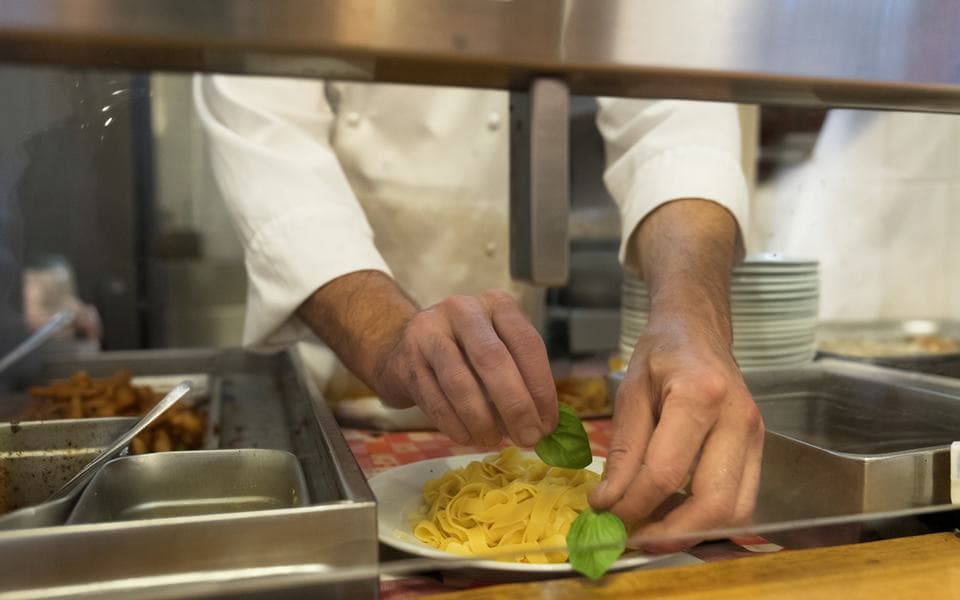
Short answer: Restobesto makes the post: the picture from your real dish, the caption, the poster. Meta Business Suite is Meta's free tool for scheduling on Facebook and Instagram, answering messages and seeing what worked. Make your posts in Restobesto, and use Business Suite for the jobs Restobesto does not do.
What each one does
- Restobesto: improves your own dish photo in Edit (your real plate, better light and table) or starts from a line on your menu, writes a caption in your tone, and makes A4/A3 posters and printed menus. Once you connect Instagram, it posts to your feed and story from its calendar.
- Restobesto does not post to Facebook, answer messages or run ads.
- Meta Business Suite: plans and schedules posts, stories and reels for Facebook and Instagram, has one inbox for messages and comments from Facebook, Messenger, Instagram and WhatsApp Business, shows insights about your posts and audience, and lets you create ads.
- Business Suite needs a business portfolio: Meta's container for your Facebook page, Instagram account and ad account.
The Business Suite facts are from Meta's Help Center, read on 23 November 2026.
A weekly routine with both
- 1
Make the week's posts in Restobesto
Take a photo of two or three dishes before service, improve them in Edit and tap once for a caption. Change any line you want. - 2
Schedule Instagram in one place
With Instagram connected, put the posts on Restobesto's Instagram Calendar & Autopilot (Beta). Approval is on by default: you get an email 3½ days before each post and approve it with one tap. - 3
Schedule your Facebook page in Business Suite
Download the picture from Restobesto (full resolution, no watermark) and copy the caption. In Business Suite, create a Facebook post, add both and pick the day. - 4
Answer messages and comments once a day
Open the Business Suite inbox after lunch service. Questions about bookings, opening hours and allergies from Facebook, Messenger and Instagram arrive in one place. - 5
Look at the insights once a month
See which dishes people reacted to most, and make those again next month. A dish that keeps doing well is a good candidate for an A-board poster too.
Don't post the same thing twice
- Schedule Instagram in one place only: Restobesto's calendar or Business Suite, not both. Otherwise the same dish goes out twice.
- If Instagram is connected to Restobesto, use Business Suite for your Facebook page, the inbox and the insights.
- If you would rather keep every post in Business Suite, don't connect Instagram to Restobesto: download the pictures and schedule them all there.
Connecting Instagram
Both tools need an Instagram business or creator account. Switching is free and takes a minute in Instagram's own settings; your posts and followers stay as they are. In Restobesto, Connect opens Meta's page, where you log in with Instagram or Facebook and choose your business portfolio. Restobesto posts nothing to Facebook.
What it costs
Business Suite is free; ads you run from it are paid. Restobesto starts with 3 free posts, then prepaid packs such as 30 posts for €9, with no subscription. To compare with the other tools restaurants use, see our comparisons, or work out your own numbers in the restaurant social media cost calculator.